
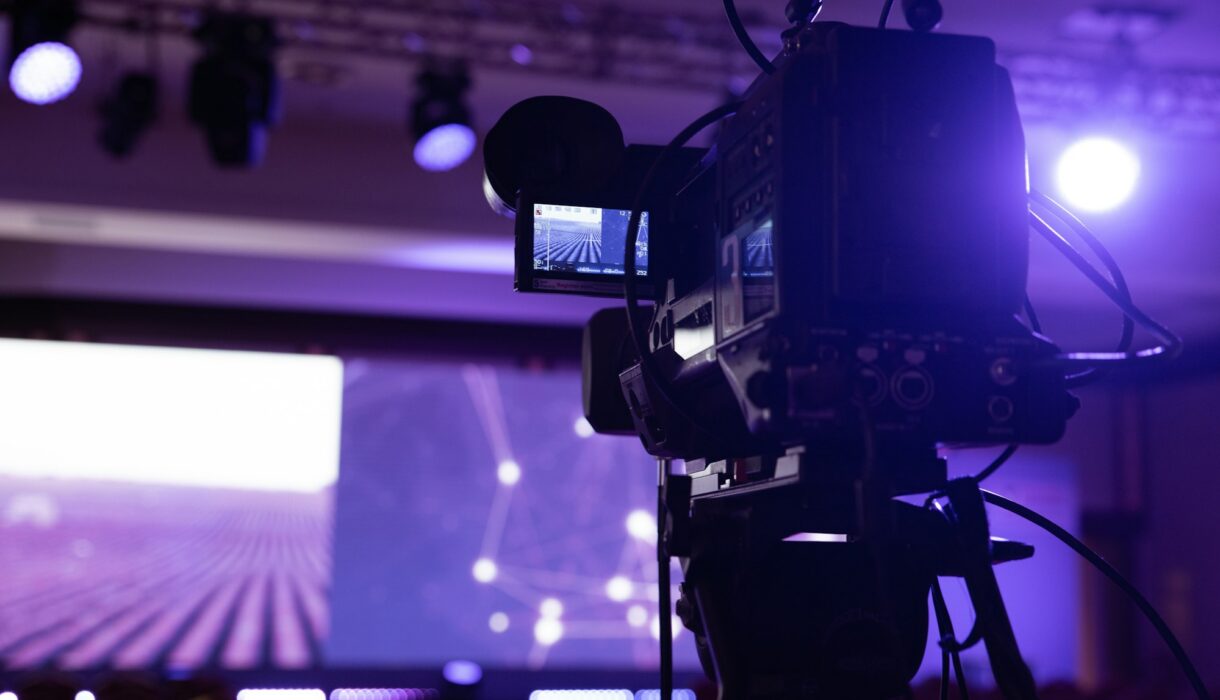

An AGM stream is not the most exciting thing we film. It’s also one of the least forgiving. If a wedding video has a small glitch, you fix it in the edit. If the stream drops while the chair is reading out the vote results, a few hundred shareholders are staring at a spinning wheel and someone from the board is about to call you.
So we’re a little obsessive about AGMs. This is the checklist we run through every time, more or less in the order we do it.
Weeks before
- Get the running order early, even a rough one. We need to know how many speakers, whether there’s a presentation, and when the voting happens.
- Find out how people will vote. Is it a show of hands in the room, an online poll, an SMS system? Every option changes what we need to show on screen.
- Agree who is in charge on the day. One person from your side who can make decisions. Not a committee.
- Visit the venue. Photos and a floor plan are never enough.
The three things that catch venues out
We’ve streamed from hotels, conference centres, church halls and company boardrooms. The same three problems come up over and over.
The first is internet. The venue will tell you the WiFi is fine. It might be fine for checking email. It is rarely fine for a steady upload for three hours while 200 guests in the room are also on their phones. We always ask for a wired connection, test the actual upload speed ourselves on the site visit, and bring our own backup on a separate network. If the main line drops, we switch over and most viewers never notice.
The second is power. Ask where the sockets are, which ones share a circuit with the coffee urns, and whether the venue has a generator that kicks in automatically. If there’s any doubt, we run the critical kit off a UPS so a short outage doesn’t take the stream down.
The third is sound. Most venues have a PA system, and most of the time the audio feed from it has a hum, or it’s set up for the room and sounds terrible online. We bring our own mics for the top table and lectern, and we take a separate feed from the venue system as backup. Online viewers will forgive a slightly soft picture. They won’t sit through bad audio.
The rehearsal
We do a proper rehearsal the day before, or at the very least a few hours before doors open. Not a quick sound check. We actually run through the agenda with the people who’ll be speaking, test every slide on the screens, and push a private test stream to the real platform so we can watch it from a phone on mobile data.
This is where we catch the stuff that would otherwise go wrong live. The presentation that was saved in the wrong format. The chairperson who wants to walk around instead of using the lectern. The video message from an overseas director that has no sound.
On the day
- Crew in at least two hours before the start.
- Holding slide up on the stream thirty minutes early, with a clear start time, so people know they’re in the right place.
- One person on our team watching the live output on a separate device the whole time. Not the crew operating cameras, someone whose only job is to watch what viewers see.
- A phone number that your team can call if something looks wrong on their side.
- Recording locally as well as streaming, so you have a clean copy for the minutes regardless of what happens online.
After
We usually send a full recording the same day, and a tidied version with titles and any dead air removed within a few days. If there are regulatory or record keeping requirements for your AGM, tell us early so we can make sure the recording covers what it needs to.
It’s not glamorous work. But when it runs smoothly, nobody notices the stream at all, and that’s the whole point. If you’ve got an AGM or a big internal event coming up, have a look at our video and live streaming work or give us a call.
Header photo by Simone Impei on Unsplash.